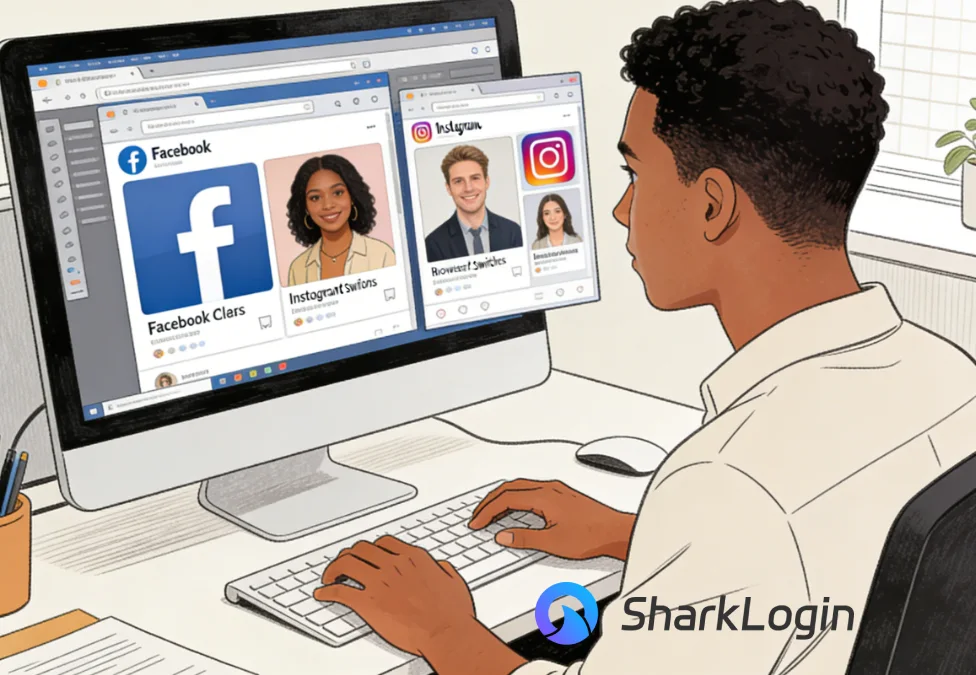
SharkLogin is a fingerprint browser designed for cross-border e-commerce and multi-account management. Unlike standard browsers, it offers free use with advanced features such as environment isolation, multiple fingerprints, and anti-association protection. It helps sellers, marketers, and agencies securely build and grow accounts across different platforms without risks of bans. With strong market adoption and positive reviews, SharkLogin is trusted by users worldwide to handle multiple accounts, manage diverse environments, and ensure safe and efficient online operations.
Managing multiple Facebook and Instagram accounts is a daily reality for agencies, affiliates, and cross-border sellers. Whether you're running ads, handling client pages, or operating brand accounts, switching between identities is unavoidable.
The real problem starts when platforms begin to connect the dots. Today's detection systems rely heavily on browser fingerprinting, not just IP addresses. Once accounts are linked, the consequences can be severe—shadow bans, ad account limitations, or permanent suspensions. This is where a stealth browser becomes essential rather than optional.
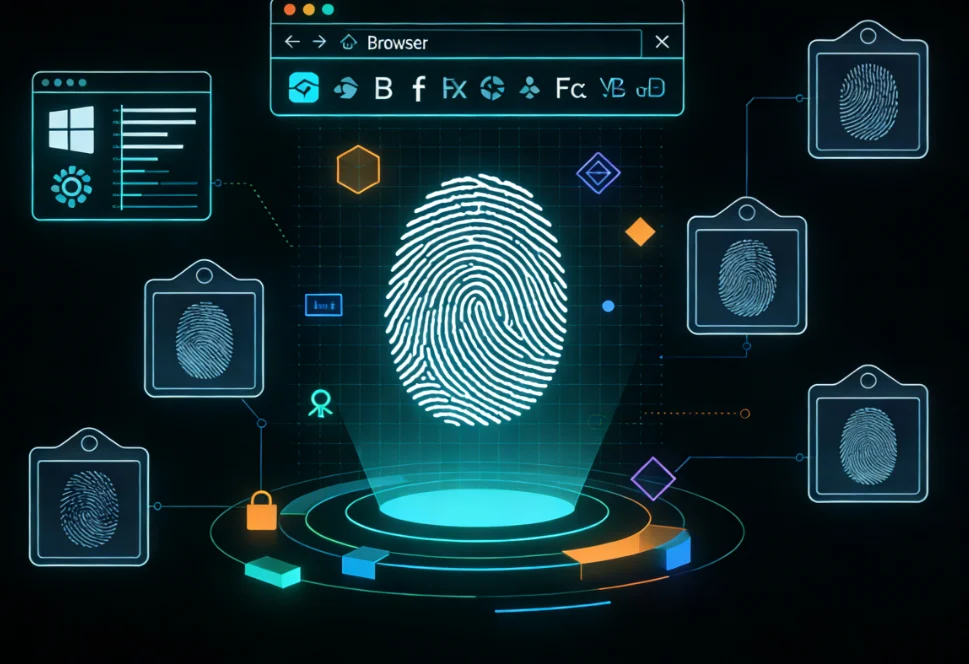
Every login sends more information than most users realize. Your browser exposes a unique “fingerprint” built from system details such as operating system, screen resolution, installed fonts, extensions, WebGL data, and more.
Even if you log into different accounts using separate browser profiles, many of these parameters remain the same. From the platform's perspective, the behavior looks unnatural. This is exactly how accounts get linked—especially on ecosystems like Meta.
For anyone researching secure browsers for cross-border e-commerce, fingerprint consistency is often the silent reason behind unexpected bans.
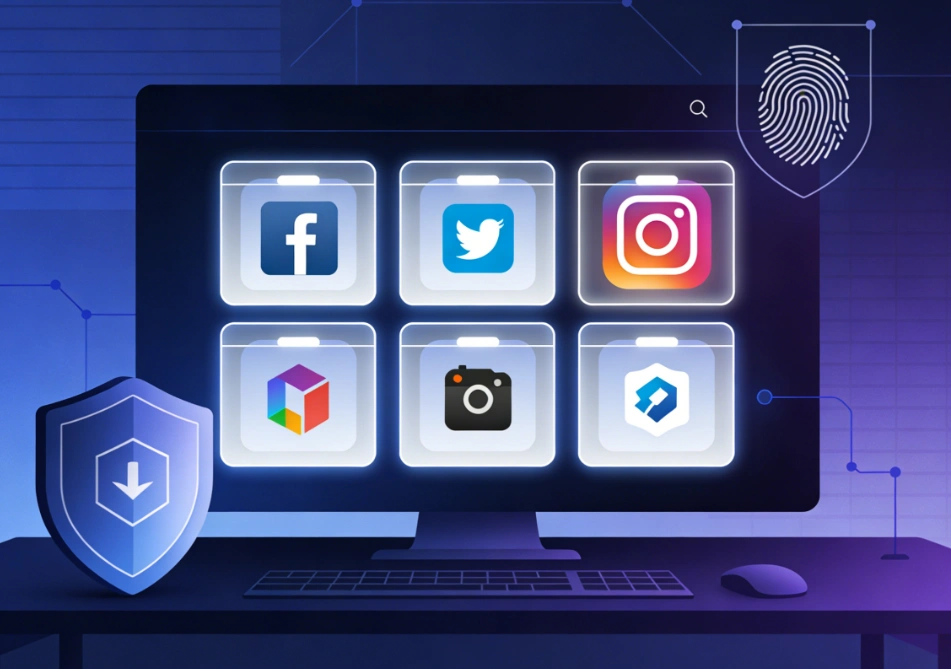
A professional stealth browser is designed to break this link completely. Instead of reusing the same browser environment, it creates fully isolated profiles, each with its own realistic and independent fingerprint.
Each account operates inside a clean digital container, making it extremely difficult for platforms to correlate activity across accounts. This is a critical advantage for teams managing multiple clients or markets.
When evaluating tools—especially if you're asking How to choose the most stealthy browser—focus on practical security rather than marketing claims.
Price should never be the main decision factor. Instead, evaluate long-term reliability. Ask yourself:
For agencies and sellers operating globally, choosing the right stealth browser is an investment in account longevity and business stability—especially within secure browsers for cross-border e-commerce workflows.
Never manage client or business accounts from your personal browser. Always assign one stealth profile per account, combined with a dedicated proxy.
This simple habit dramatically reduces detection risk and helps keep your social media assets safe over the long term.

Sharklogin
Author

 Multiple Amazon Stores Management
Cross-Border Seller IP Rotation
 3-day free trial
Full features unlocked
No credit card needed
3-day free trial
Full features unlocked
No credit card needed
Key features
I. The Multi-Account Challenge for Social Media Managers
II. Why Fingerprinting Is Your Biggest Threat
What Platforms See When You Log In
III. How a Stealth Browser Solves This Problem
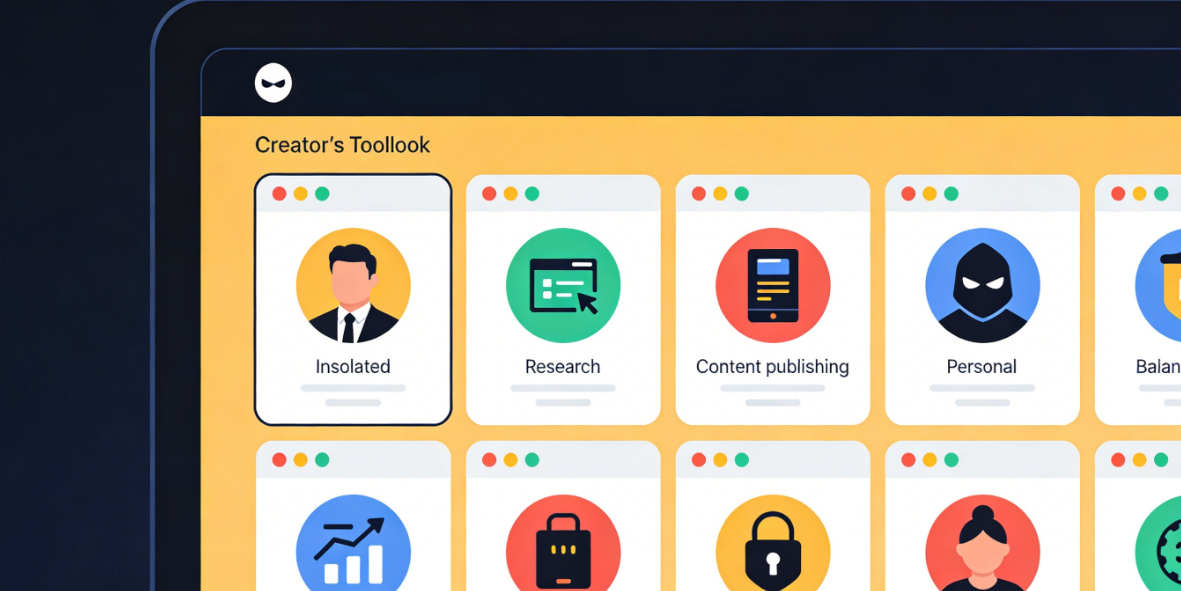
IV. Key Features to Look For
Core Capabilities That Actually Matter
V. Choosing Your Stealthy Browser: A Quick Guide
VI. Actionable Tip for Safer Operations
Multiple Amazon Stores Management
Cross-Border Seller IP Rotation

 Sign Up
 Download


