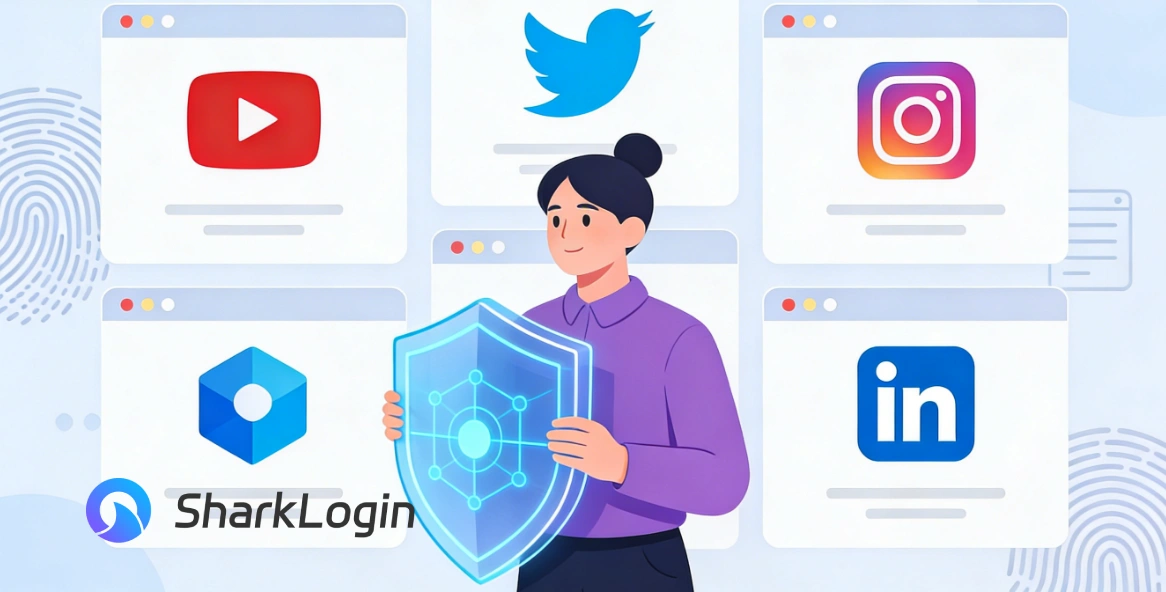
SharkLogin is a fingerprint browser designed for cross-border e-commerce and multi-account management. Unlike standard browsers, it offers free use with advanced features such as environment isolation, multiple fingerprints, and anti-association protection. It helps sellers, marketers, and agencies securely build and grow accounts across different platforms without risks of bans. With strong market adoption and positive reviews, SharkLogin is trusted by users worldwide to handle multiple accounts, manage diverse environments, and ensure safe and efficient online operations.
Modern content creators rarely operate just one account. Your YouTube channel represents your public brand, Twitter may host more personal opinions, Instagram showcases your visual work, while LinkedIn connects you with clients and partners.
Managing all these identities from a single browser environment creates hidden risks. Account overlap, accidental logins, or fingerprint-based linking can quietly expose your private life—or worse, trigger platform restrictions. This is why using a stealth browser is becoming a privacy baseline rather than an advanced trick.
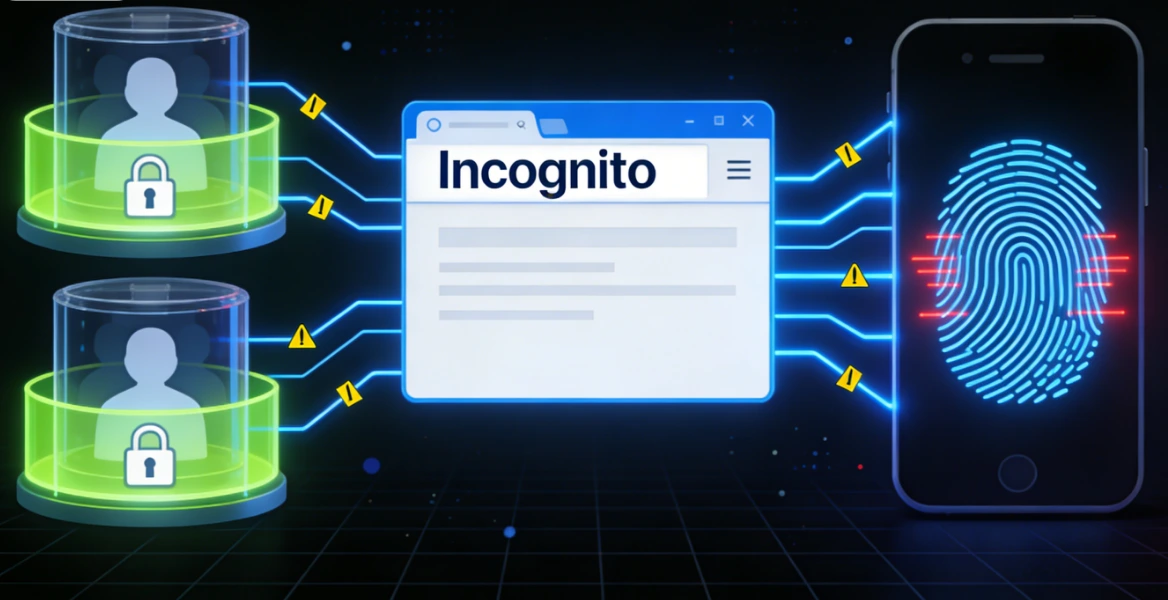
Incognito or private browsing modes are often misunderstood. While they prevent local history and cookies from being saved, they do nothing to change your browser fingerprint.
Websites can still recognize your device through system-level signals such as screen size, OS, fonts, and rendering behavior. Advertisers and platforms can then associate activity across sessions, even when you believe you're browsing privately. For creators who need real separation, this approach simply doesn't hold up.
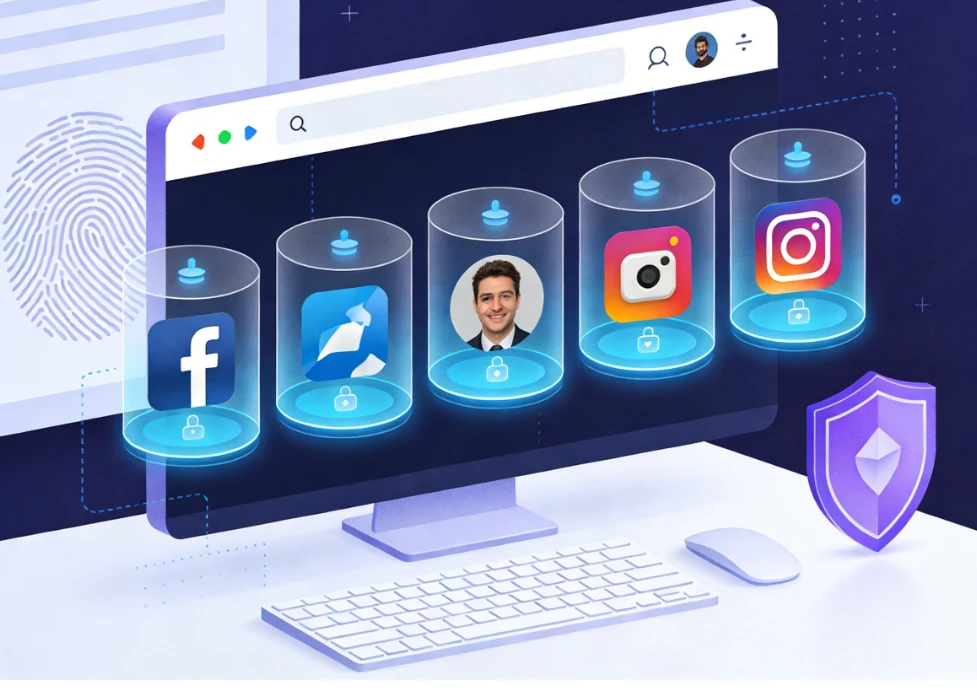
A stealth browser works very differently. Instead of pretending to be private, it builds fully isolated browser profiles, each with its own stable and believable fingerprint.
Think of it as compartmentalizing your digital life: every platform, brand, or persona runs in its own sealed environment, invisible to the others.
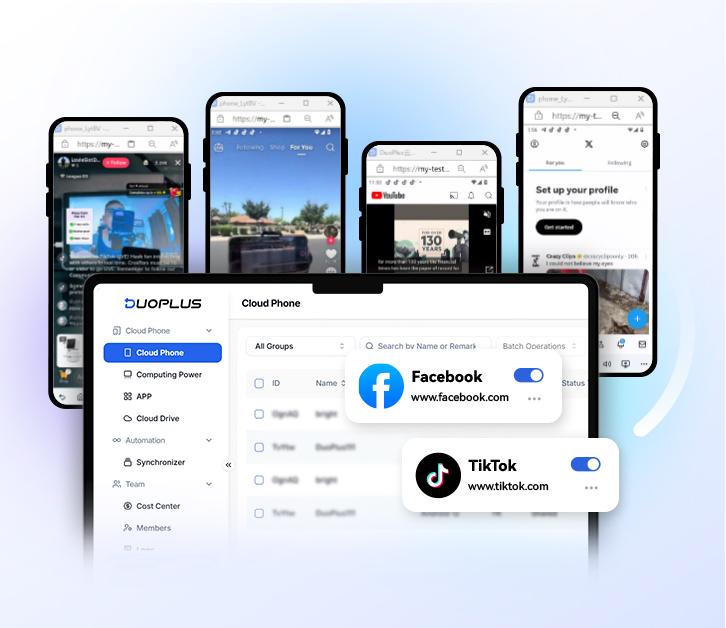
When evaluating tools—especially if you're asking How to choose the most stealthy browser—these features matter most:
For creators, security alone isn't enough—workflow matters. The right stealth browser should feel intuitive, not technical.
Look for a solution that balances usability with reliable fingerprint isolation, offers clear profile management, and has credibility within the privacy-focused creator community. Your tools should protect your creativity, not slow it down.

Sharklogin
Author

 Multiple Amazon Stores Management
Cross-Border Seller IP Rotation
 3-day free trial
Full features unlocked
No credit card needed
3-day free trial
Full features unlocked
No credit card needed
Key features
I. The Creator's Dilemma: Public Persona vs. Private Life
II. Beyond Incognito Mode: Why It's Not Enough
The Limits of Private Browsing
III. The Role of a Stealth Browser in a Creator's Toolkit
IV. Essential Features for Creators
What to Look for Before You Commit
V. Making the Choice: Security Meets Simplicity
Multiple Amazon Stores Management
Cross-Border Seller IP Rotation

 Sign Up
 Download


