SharkLogin is a fingerprint browser designed for cross-border e-commerce and multi-account management. Unlike standard browsers, it offers free use with advanced features such as environment isolation, multiple fingerprints, and anti-association protection. It helps sellers, marketers, and agencies securely build and grow accounts across different platforms without risks of bans. With strong market adoption and positive reviews, SharkLogin is trusted by users worldwide to handle multiple accounts, manage diverse environments, and ensure safe and efficient online operations.
In the realm of online privacy and multi-account management, the term stealth browser has evolved from mere marketing jargon to denote a distinct class of specialized software. But what sets it apart from your everyday Chrome or Firefox paired with a VPN? The answer boils down to its core purpose: beating browser fingerprinting.
Unlike cookies—easily deleted with a few clicks—browser fingerprinting is a passive tracking tactic. When you land on a website, your browser voluntarily shares a trove of data to ensure pages load and function properly. This data includes:
User Agent: Details about your browser type, version, and operating system.
• Screen Resolution & Color Depth.
• Installed Fonts and Plugins.
• Hardware Concurrency (number of CPU cores).
• Canvas & WebGL Rendering: How your GPU uniquely renders graphics.
Together, these dozens of data points form a fingerprint that's often surprisingly unique. This lets websites identify you with high precision—even if you use a VPN or clear your cookies.
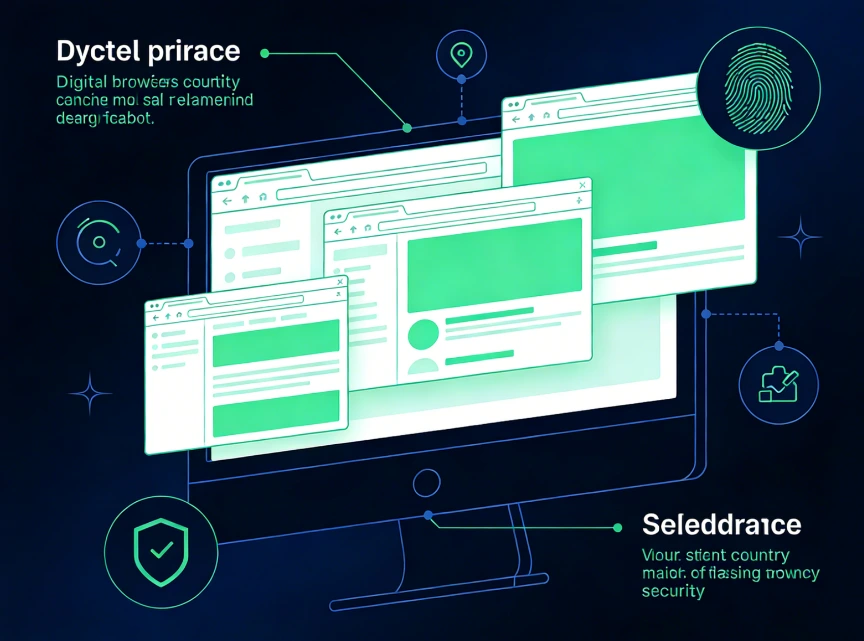
A dedicated anti-detection or stealth browser is engineered to systematically control and spoof these fingerprinting parameters. Its design revolves around two core principles: isolation and customization.
The system typically relies on a customized version of open-source browser engines like Chromium, providing deep access to the APIs often targeted by fingerprinting techniques, ensuring robust privacy protection.
Each profile functions as an entirely separate environment, complete with its own cookies, cache, and, crucially, a unique, customizable fingerprint. There is no data leakage between profiles, ensuring full privacy.
You can configure each profile manually or automatically by adjusting various parameters, such as user agents, screen resolution, and time zones. For even greater anonymity, complex elements like Canvas and WebGL hashes can be spoofed to mimic common, non-unique devices, making detection much harder.
While a VPN routes all your traffic through one tunnel, a stealth browser lets you assign a unique proxy (often a residential IP) to each profile—aligning the IP with the profile's geographic fingerprint.
Stopping marketplace platforms from linking multiple seller or buyer accounts—making it one of the key demands for secure browsers for cross-border e-commerce.
Safely running multiple client accounts from a single device without triggering "suspicious activity" alerts.
Viewing ads and websites as a user from a different demographic or location would.
Minimizing your trackable digital footprint as a personal principle.
★ Christmas Preheating Promotion Alert ★ With the Christmas season just around the corner, we're launching an exclusive pre-holiday discount for our stealth browser! This incredible 50% off on our premium stealth browser plans will end on the 26th—don't miss out on this limited-time offer. Whether you're in need of secure browsers for cross-border e-commerce, social media account management, or privacy protection, this is the perfect chance to get a top-tier anti-detection tool at half the price. Seize this festive offer before it expires and enhance your digital security with our trusted stealth browser!
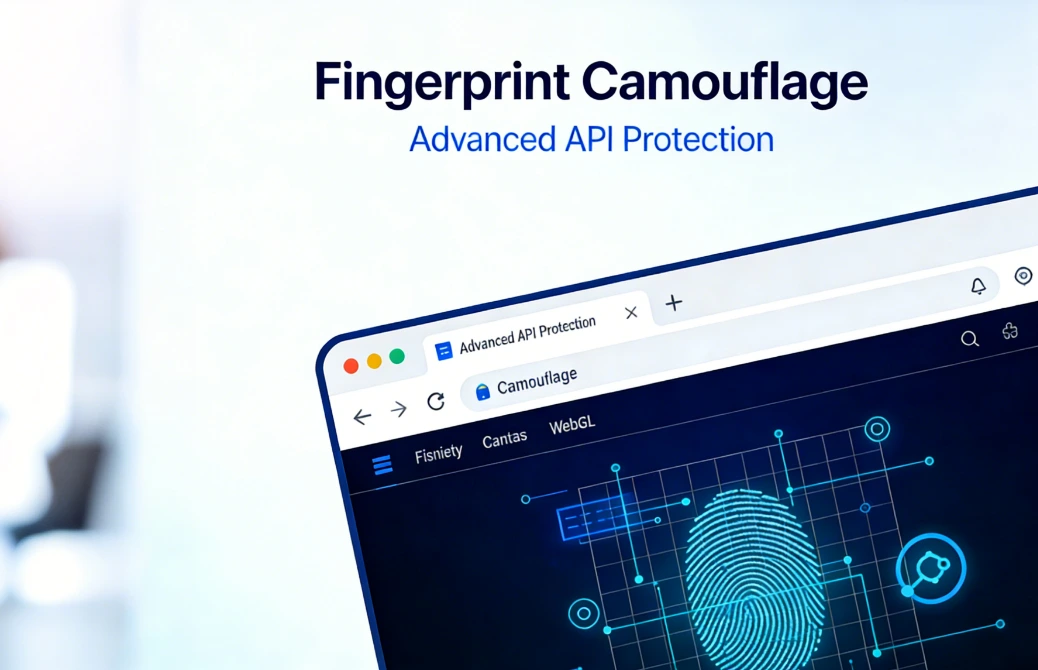
• When evaluating options, look past surface-level claims. Focus on these critical factors for How to choose the most stealthy browser :
• Fingerprint Uniqueness Rate: Does the provider test and share data on the uniqueness of their generated fingerprints? Lower rates are better, as they indicate a more generic, harder-to-detect fingerprint.
• Spoofing Depth: Does the service only spoof basic elements like headers, or does it extend to more advanced APIs such as AudioContext, WebRTC, and client rects for deeper protection?
• Automation Capabilities: Can the system run Selenium or Puppeteer scripts without revealing your actual fingerprint, ensuring automated tasks remain anonymous?
• Team & Collaboration Features: For business purposes, does it offer secure profile sharing and management of user permissions, allowing team collaboration without compromising privacy?
• Reputation & Updates: Is the provider well-regarded in the industry? How quickly do they respond to new fingerprinting methods, ensuring ongoing protection?
A stealth browser isn't just another "private browser"—it's a powerful, purpose-built tool crafted with one core objective: letting you create multiple, distinct, and undetectable digital identities from a single computer. It's not meant to replace your daily browser for casual use; instead, it's a professional solution for tackling the complexities and risks of today's web. If your business or personal privacy depends on keeping online identities separate, taking the time to understand and pick a robust stealth browser isn't just smart—it's a critical step in securing your digital operations.

Sharklogin
Author

 Multiple Amazon Stores Management
Cross-Border Seller IP Rotation
 3-day free trial
Full features unlocked
No credit card needed
3-day free trial
Full features unlocked
No credit card needed
Key features
Understanding the Enemy: Browser Fingerprinting
How a True Stealth Browser Works
Key Use Cases: Beyond "Hiding"
How to Choose the Most Stealthy Browser: A Technical Checklist
Conclusion: A Tool for Specific Needs
Multiple Amazon Stores Management
Cross-Border Seller IP Rotation

 Sign Up
 Download


