
SharkLogin is a fingerprint browser designed for cross-border e-commerce and multi-account management. Unlike standard browsers, it offers free use with advanced features such as environment isolation, multiple fingerprints, and anti-association protection. It helps sellers, marketers, and agencies securely build and grow accounts across different platforms without risks of bans. With strong market adoption and positive reviews, SharkLogin is trusted by users worldwide to handle multiple accounts, manage diverse environments, and ensure safe and efficient online operations.
Online privacy feels harder to keep than ever—especially with browser fingerprinting, a sneaky tracking method that identifies you even if you clear cookies or use incognito mode. For anyone from e-commerce sellers to social media managers, this means risk: linked accounts, bans, or limited reach. Enter the anti detect browser—a tool built to outsmart fingerprinting and keep your online identity private. This guide breaks down what it is, how it works, and why it matters for preventing unwanted tracking.

Browser fingerprinting isn't just “tracking”—it's a way for websites to create a unique “digital ID” from your device and browser, no cookies needed. Here's how it works:
Websites collect tiny, specific details about your setup, and together these form a fingerprint that's 80%+ unique:
Traditional privacy tools (like incognito mode) don't hide these—so platforms can still link your accounts (e.g., your Amazon store and TikTok profile) and track you across sites.
An anti detect browser is a specialized tool that modifies or hides the data that creates your fingerprint. Unlike basic privacy tools, it doesn't just “block” tracking—it rewrites the rules to keep you anonymous. Here's its key tricks:
Instead of showing your real device details, it generates a fake (but realistic) fingerprint for each browsing session or account. For example:
Most anti-detect browsers let you create separate "profiles"—each with its own unique fingerprint, cookies, and IP address (powered by integrated proxies). Here's the game-changing benefit:
It finds and stops the hidden code websites use to collect fingerprint data—before those scripts can grab your device details.

Here's a more natural and fluid rewrite in English, avoiding an AI feel:
Don't mistake anti-detect browsers for VPNs or incognito mode – they address issues that these tools miss:
An anti-detect browser is the only tool that directly tackles fingerprinting.
They're not just for “privacy enthusiasts”—they solve real, actionable problems for professionals:

To get the most out of it (and stay safe):
An anti-detect browser is essential for anyone needing to keep online accounts separate or avoid unnecessary tracking. It's not about evading the law, but about taking charge of your digital identity. For e-commerce sellers, social media managers, or anyone prioritizing privacy, it's the most effective solution to prevent browser fingerprinting and stay secure online.

Sharklogin
Author
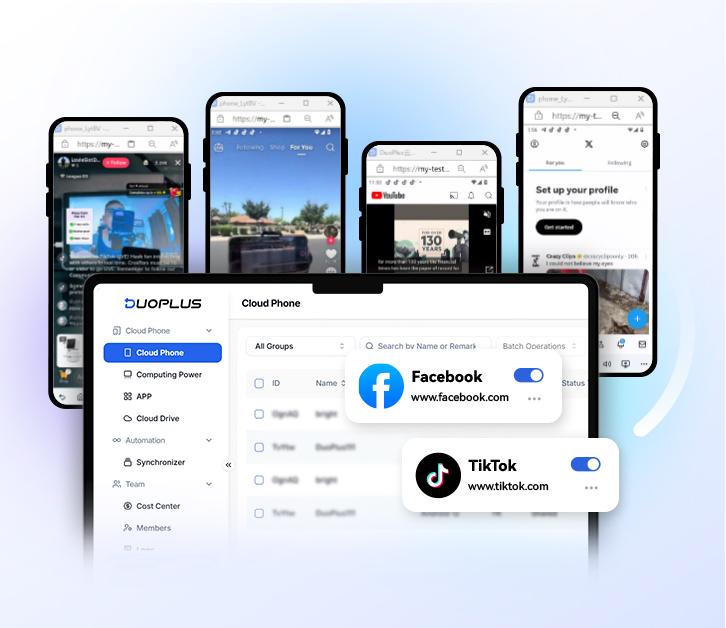

 Multiple Amazon Stores Management
Cross-Border Seller IP Rotation
 3-day free trial
Full features unlocked
No credit card needed
3-day free trial
Full features unlocked
No credit card needed
Key features
I. First, What Is Browser Fingerprinting?
II. What Is an Anti Detect Browser? How It Prevents Fingerprinting
III. Anti Detect Browsers vs. Traditional Privacy Tools
IV. Legitimate Uses for Anti Detect Browsers
V. Best Practices for Using an Anti Detect Browser
VI. Final Thought
Multiple Amazon Stores Management
Cross-Border Seller IP Rotation

 Sign Up
 Download


