SharkLogin is a fingerprint browser designed for cross-border e-commerce and multi-account management. Unlike standard browsers, it offers free use with advanced features such as environment isolation, multiple fingerprints, and anti-association protection. It helps sellers, marketers, and agencies securely build and grow accounts across different platforms without risks of bans. With strong market adoption and positive reviews, SharkLogin is trusted by users worldwide to handle multiple accounts, manage diverse environments, and ensure safe and efficient online operations.
Running multiple TikTok accounts has become essential for content creators, marketers, and businesses looking to expand their reach across different niches.
However, how to run multiple TikTok accounts safely requires strategic planning and proper tools to avoid account suspension or linking issues.
This comprehensive guide will walk you through proven methods to manage your TikTok presence effectively while maintaining account security.
TikTok's algorithm favors specialized content, making it challenging to serve diverse audiences with a single account. TikTok multiple accounts management allows you to:
TikTok uses sophisticated detection methods to identify related accounts:
Understanding these risks is crucial for anyone wondering how to prevent TikTok account linking.
Browser Isolation Technology
Using anti-detect browsers like SharkLogin creates unique digital fingerprints for each account. This prevents TikTok from connecting your multiple profiles through:
Follow these TikTok account security tips during setup:
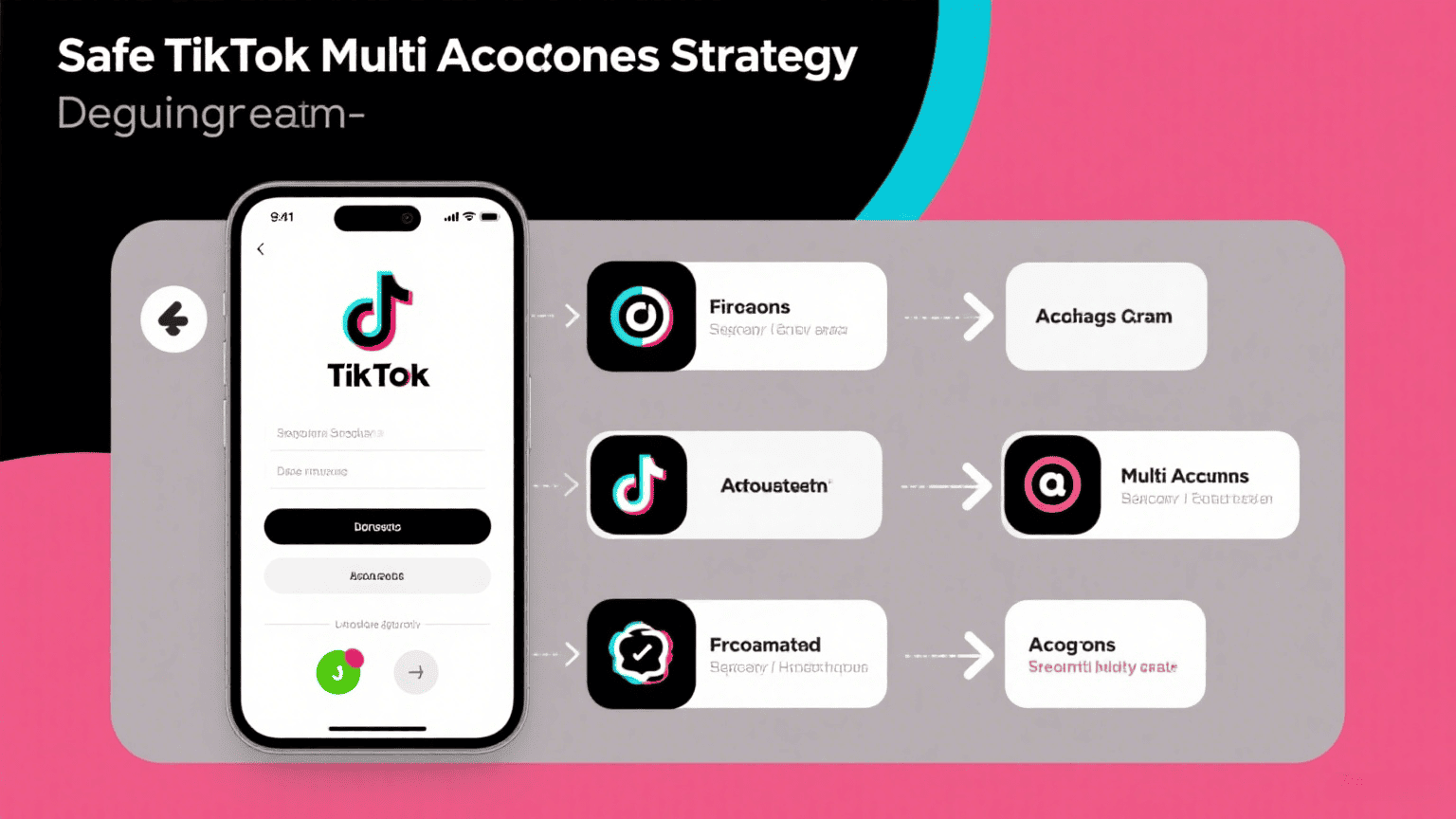
Niche-Specific Content Planning
Each account should maintain distinct content themes:
Authentication and Access Control
Red Flag Activities to Avoid
If accounts become linked or suspended:

Sharklogin
Author

 Anti-detection browser


 3-day free trial
Full features unlocked
No credit card needed
3-day free trial
Full features unlocked
No credit card needed
Key features
Understanding TikTok Multiple Accounts Management
Safe TikTok Multi-Account Strategy Implementation
Advanced Account Management Techniques
TikTok Account Security Best Practices
Troubleshooting Common Multi-Account Issues
Anti-detection browser

 Sign Up
 Download


