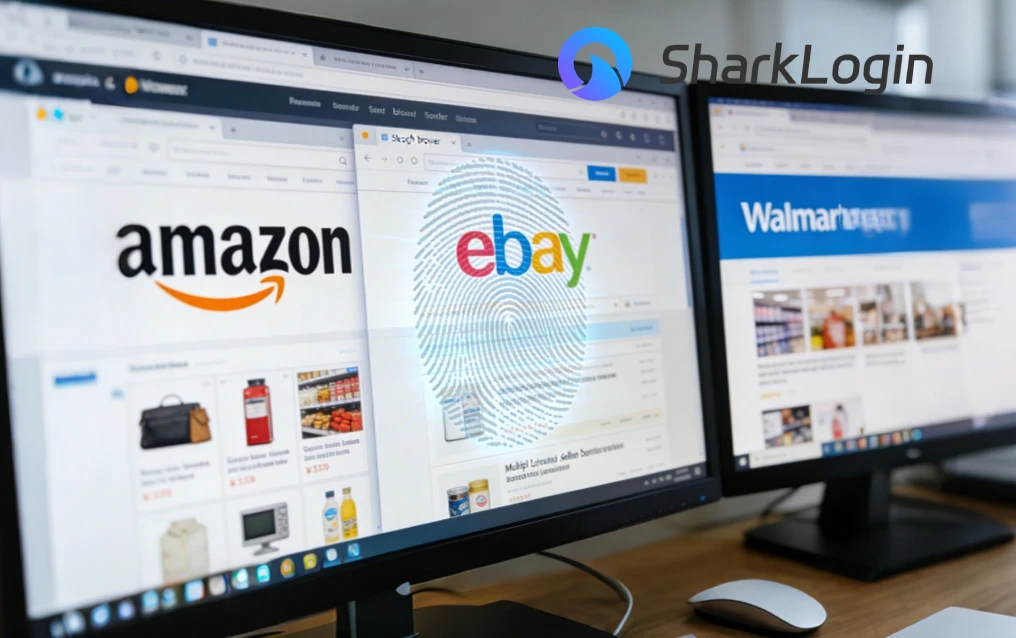
SharkLogin is a fingerprint browser designed for cross-border e-commerce and multi-account management. Unlike standard browsers, it offers free use with advanced features such as environment isolation, multiple fingerprints, and anti-association protection. It helps sellers, marketers, and agencies securely build and grow accounts across different platforms without risks of bans. With strong market adoption and positive reviews, SharkLogin is trusted by users worldwide to handle multiple accounts, manage diverse environments, and ensure safe and efficient online operations.
Cross-border sellers that wish to expand typically list identical products across Amazon, eBay, Walmart and various niche marketplaces - while product reviewers face similar difficulties managing multiple accounts across platforms.
While scaling improves reach, it also increases exposure. Bulk listings, frequent logins, automation tools, and rapid account switching all draw attention from platform risk-control systems. In most cases, the weakest point isn't your IP—it's your browser fingerprint. This is where a stealth browser becomes critical.
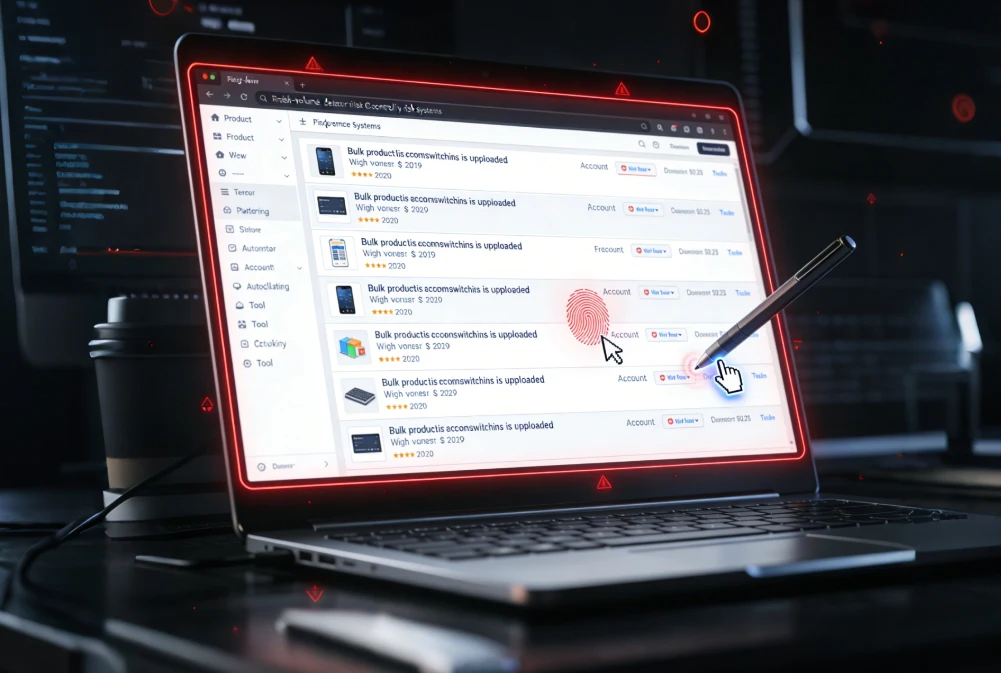
Platforms typically assume that users operating one account with one device have one unified ecosystem. When one fingerprint begins engaging in high-volume activities--uploading listings, switching accounts, or changing IPs en masse--it immediately stands out.
From a platform's standpoint, this activity reveals commercial automation or coordinated activity and may result in listing suppression, manual reviews or outright bans imposed. Therefore, its goal should be simple: making each account appear like its own unique user with their own consistent environment.

A properly configured stealth browser forms the foundation of a safe, scalable workflow. Instead of one browser doing everything, each task runs inside its own isolated profile.
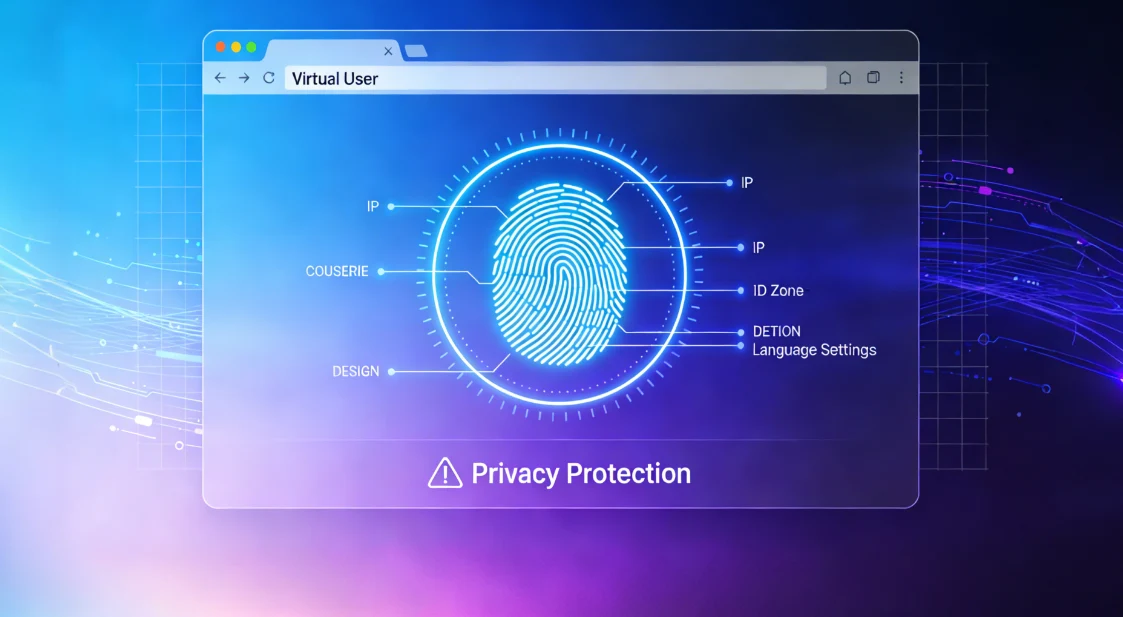
Experienced sellers and reviewers typically follow these rules:
Selecting the right tool is a business decision. How to choose the most stealthy browser for high-stakes, multi-platform work? Focus on solutions that support batch profile management, team collaboration, and long-term fingerprint stability.
An established browser within the e-commerce community doesn't just serve as an added convenience - it plays an integral part in helping your operations, scale and remain compliant across platforms.

Sharklogin
Author
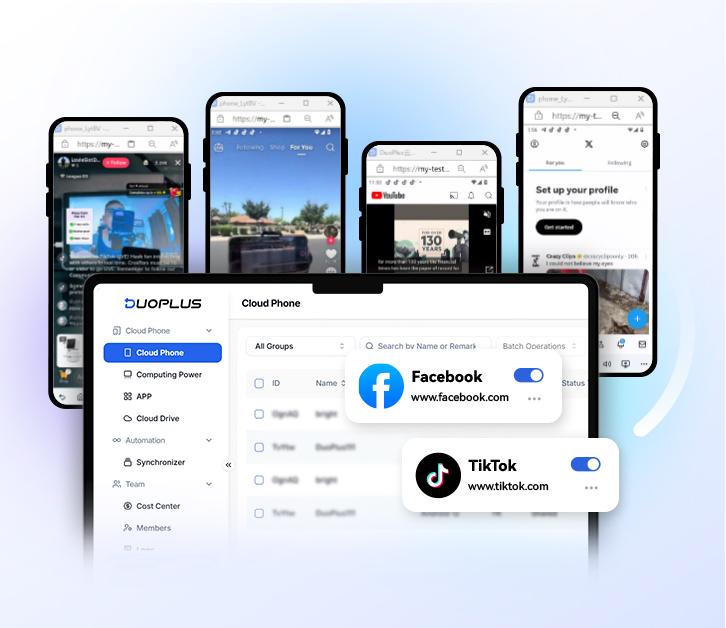

 Multiple Amazon Stores Management

Cross-Border Seller IP Rotation
 3-day free trial
Full features unlocked
No credit card needed
3-day free trial
Full features unlocked
No credit card needed
Key features
I. The Scale-Up Challenge: Managing Listings Everywhere
II. Why Fingerprint Detection Targets High-Volume Users
When “Normal Behavior” Stops Looking Normal
III. Building an Undetectable Workflow with a Stealth Browser
IV. Best Practices to Avoid Fingerprint Detection
Operational Discipline That Actually Works
V. Choosing Your Operational Shield
Multiple Amazon Stores Management
Cross-Border Seller IP Rotation

 Sign Up
 Download


